Connected to the Tools You Use
BuildTools integrates with QuickBooks Online and QuickBooks Desktop to keep your project management and accounting in sync. No double entry, no data mismatches—just seamless financial visibility.
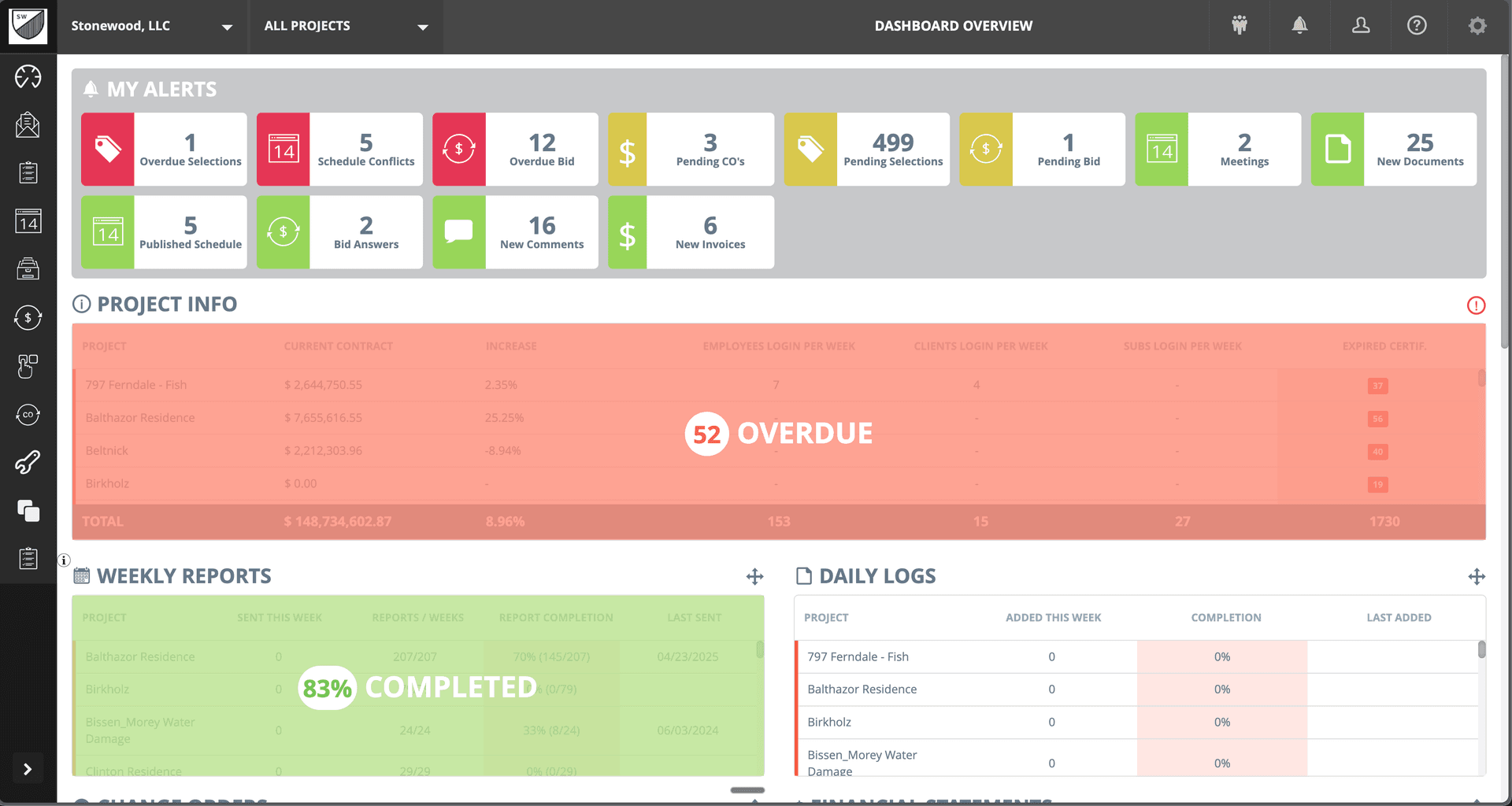
Disconnected Systems Create Problems
If any of these sound familiar, you're not alone.
- 1
Entering the same data into multiple systems
- 2
Project costs not matching accounting records
- 3
Hours spent reconciling between systems
- 4
Delayed financial visibility while waiting for manual updates
- 5
Errors from manual data transfer
Seamless QuickBooks Integration
BuildTools connects directly to your QuickBooks account. Approved invoices sync automatically. Financial data flows both ways. Your project management and accounting systems stay in perfect alignment.
Powerful Features for Integrations
Everything you need to manage integrations effectively.
QuickBooks Online Integration
Full two-way sync with QuickBooks Online. Invoices, payments, vendors, and customers stay synchronized automatically.
QuickBooks Desktop Integration
Connect to QuickBooks Desktop for builders who prefer on-premise accounting. Same powerful sync capabilities.
Automated Invoice Sync
Approved invoices automatically appear in QuickBooks. No manual entry, no missed invoices, no duplicate payments.
Vendor Management
Sync your vendor list between BuildTools and QuickBooks. Add a vendor once, use them everywhere.
Real-Time Financial Data
Financial information flows continuously between systems. Project reports always reflect current accounting data.
Error Prevention
Automated sync eliminates transcription errors. Your data is accurate and consistent across systems.
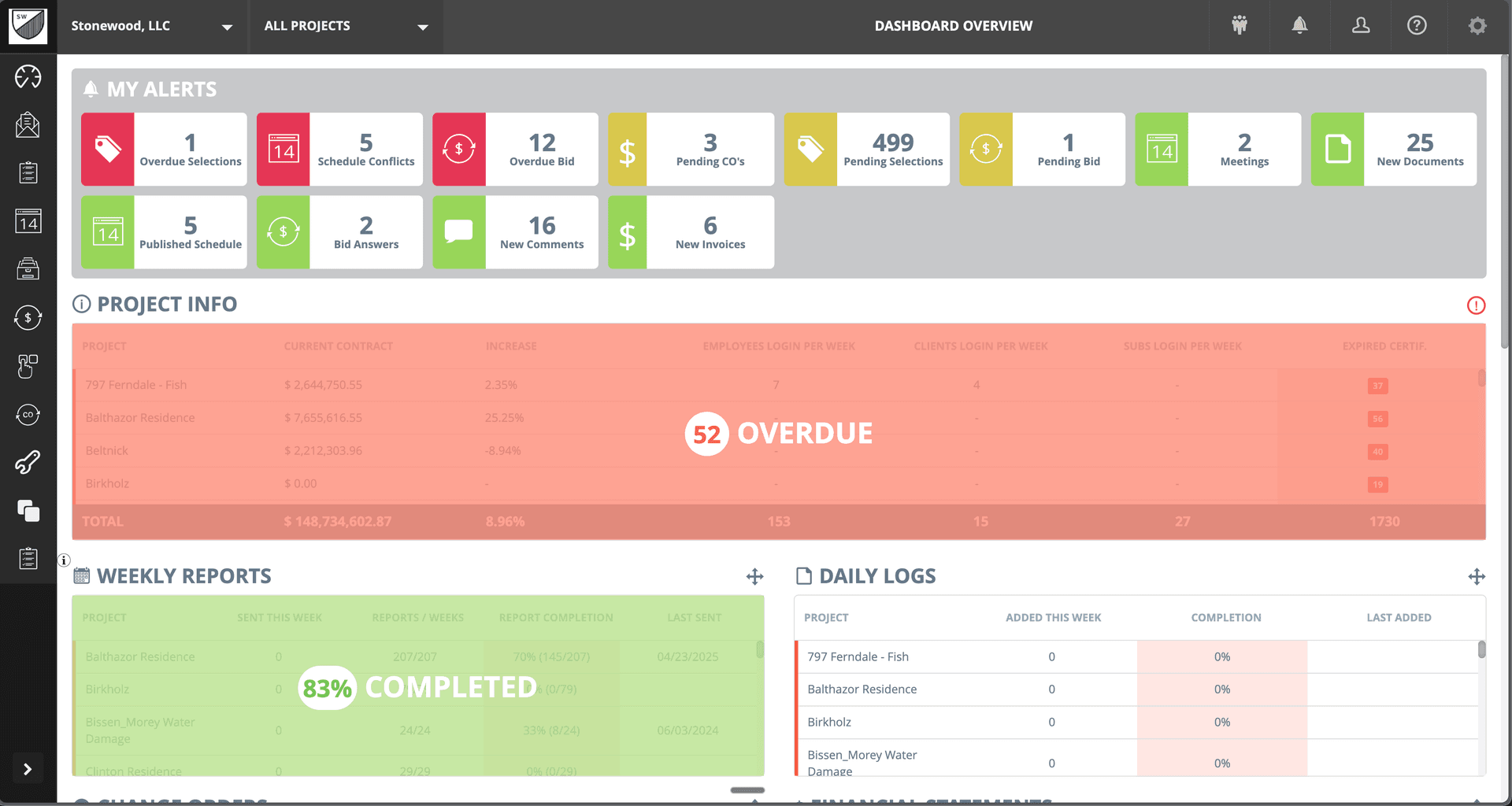
See It In Action
Real interface, real data, real results.
Why Builders Choose BuildTools
Real benefits that impact your bottom line.
Eliminate Double Entry
Enter data once and let it flow between systems. Save hours of duplicate work every week.
Accurate Financial Records
Automated sync means project costs match accounting records. Reconciliation becomes trivial.
Real-Time Visibility
Financial data updates automatically. Make decisions with current, accurate information.
Reduce Errors
Automated data transfer eliminates typos and transcription mistakes. Trust your numbers.
How Builders Use This Feature
Real scenarios from real custom home builders.
Invoice Processing
Approve a vendor invoice in BuildTools. It automatically syncs to QuickBooks for payment processing.
Streamlined payables with no double entry
Month-End Close
All project financial data is already in QuickBooks. Close the books without manual reconciliation.
Faster, easier month-end process
Financial Reporting
Pull reports from either system and get consistent data. Project and company financials always align.
Trustworthy financial reports
"Before the QuickBooks integration, we had someone spending half their time just entering invoices. Now it's automatic. That person focuses on actual accounting work instead of data entry."
Lisa Martinez
Martinez Construction
Frequently Asked Questions
Common questions about integrations.
Which QuickBooks versions are supported?
How does the sync work?
What if there's a sync conflict?
Explore Related Features
See how other BuildTools features work together.
Financial Management
Change orders, invoices, purchase orders—construction financial management is complex. BuildTools streamlines every workflow with clear status tracking, easy approvals, and complete audit trails.
Learn moreBudget Tracking
Custom home budgets are complex—thousands of line items across hundreds of cost codes. BuildTools gives you real-time visibility into budget vs. actual, change order impacts, and remaining funds so you can protect your margins.
Learn moreEstimates & Proposals
Accurate, professional estimates win jobs. BuildTools estimating tools help you price confidently, present beautifully, and convert estimates to projects seamlessly—no re-entering data, no lost information.
Learn moreReady to Transform Your Integrations?
See how BuildTools can help your business save time, reduce errors, and build more profitably.